
How to Monetize Your Live Stream in 2026
From credits and tips to subscriptions and sponsorships — a complete guide to turning your streams into real income on OGcreatorHub.
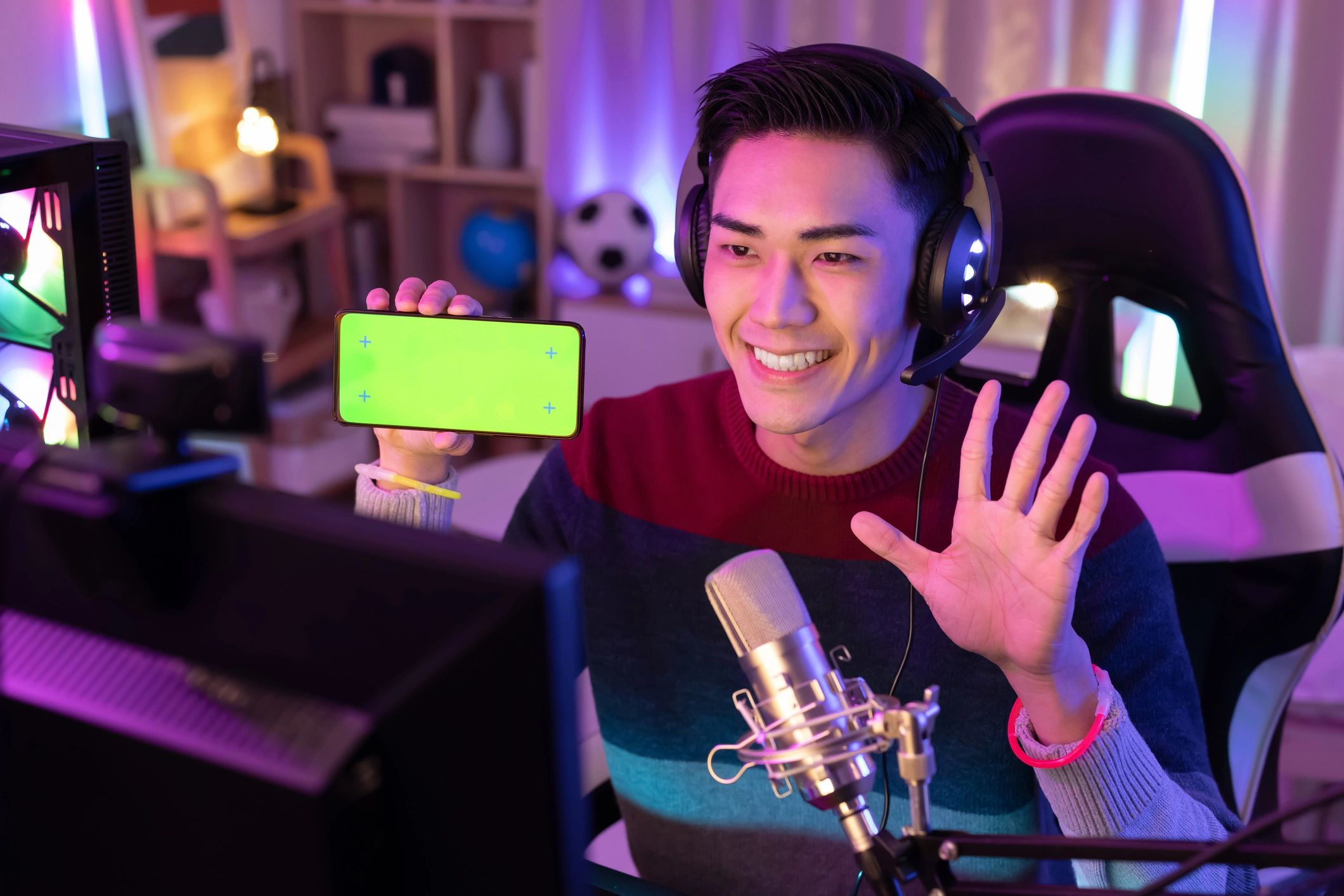
How to Monetize Your Live Stream in 2026
Live streaming is no longer just a hobby — it's a legitimate career path. But knowing how to turn viewers into revenue is the difference between burning out and building a sustainable creator business.
On OGcreatorHub, you have multiple monetization levers available from day one. Here's how to use all of them.
1. Credits: The Foundation of Fan Spending
Every fan on OGcreatorHub uses credits to interact with creators. Credits are purchased in bundles and spent on tips, unlocking content, and private shows.
Your share of every credit transaction depends on your plan: 80% on Free (20% platform fee), 85% on OG Pro (15% fee), or 90% on OG Elite (10% fee) — one of the most creator-friendly splits in the industry, and it only gets better as you grow.
How to maximize credit earnings:
- Go live consistently so fans have reasons to spend
- Acknowledge tips on stream — it encourages more
- Set a "tip goal" for your stream session and display it on screen
2. Subscriptions: Predictable Monthly Income
Subscriptions are your most stable revenue stream. Fans pay a monthly fee to access your subscriber-only content, get a badge in chat, and support you directly.
You set your own subscription price. Most creators start at $4.99–$9.99/month and increase as their audience grows.
Pro tip: Create a subscriber-only Discord or community channel and mention it on stream. Exclusivity drives conversions.
3. Private Shows: Premium One-on-One Experiences
Private shows are where serious earnings happen. You set a per-minute rate, and fans request a private session with you. You accept or decline — you're always in control.
Private shows are gated behind OG Elite, which means upgrading your plan unlocks this revenue stream entirely. If you're doing more than 5 streams a month, the math usually works out in your favour within the first week.
4. Tips During Live Streams
The tip button is always visible during your streams. Fans can send any amount, and you see it in real time with a notification on screen.
Tips work best when you:
- React to them live (say the fan's name, thank them)
- Set milestones ("If we hit 500 credits tonight, I'll do X")
- Run interactive segments where fans tip to influence the stream
5. The Sponsorship Marketplace
Once you've built an audience, brands will want to work with you. OGcreatorHub's Sponsorship Marketplace connects creators with brands looking for authentic promotion.
You can browse open deals and apply with your stats regardless of plan — all inside the platform, no cold emails, no middlemen. What your plan limits is how many deals you can have active at once: 1 on Free, 3 on OG Pro, and unlimited on OG Elite.
6. Collab Streams: Grow and Earn Together
Collab streams let you invite other creators to go live with you. Revenue from the session is split automatically based on the terms you set before going live.
This is a powerful growth tool too — you tap into each other's audiences and both benefit.
Building a Monetization Stack
The creators earning the most on OGcreatorHub don't rely on a single revenue stream. They stack them:
- Subscriptions for baseline monthly income
- Tips for live session earnings
- Private shows for premium fans
- Sponsorships for brand deals
- Collab revenue for growth-phase earnings
Start with subscriptions and tips. Add private shows when you upgrade to OG Elite. Layer in sponsorships once you have consistent viewership numbers to show brands.
Getting Started
If you haven't set up your creator profile yet, sign up free and complete your monetization settings in the dashboard. It takes about 10 minutes to connect Stripe and activate your first subscription tier.
The sooner you set it up, the sooner your first fan can support you.
Explore Topics
Written by
OGcreatorHub Team
Content creator and writer sharing insights and stories.